A travel companion for iPhone
Pin the places you love. Plan the trips you'll take.
HallPass saves every restaurant, sight, hotel and hidden gem to a personal map — then helps you sort them into trips and plan your days. All on your iPhone, no account needed.
Free · No account · iOS 18 or later
Features
Everything a place-lover needs
Six ways HallPass helps you keep, organise and actually use the places you discover.
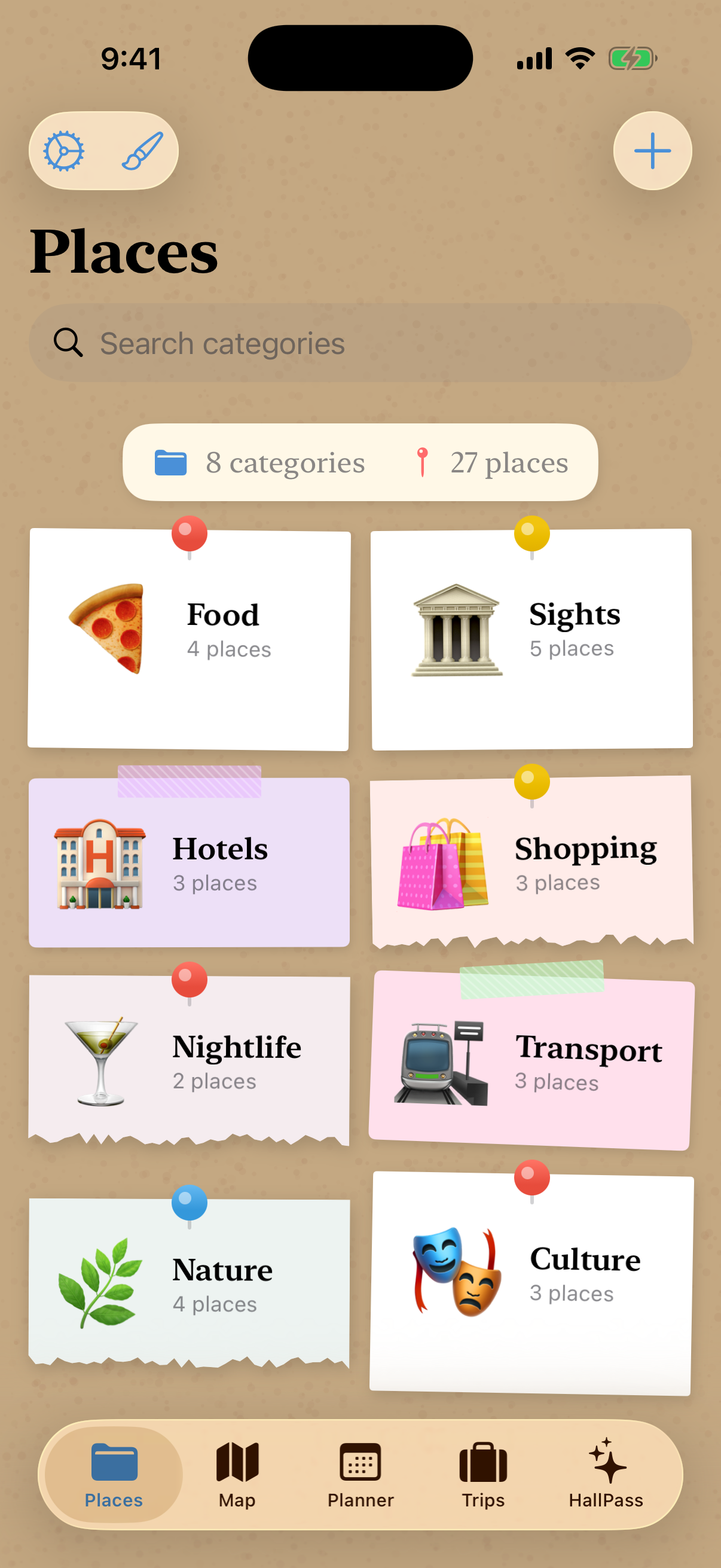
Save your places
Keep every restaurant, sight, hotel and hidden gem with emoji, notes, photos and colour-coded categories.
Explore the map
See everything you've saved on an interactive map. Long-press to drop a pin, filter by category, get directions.
Plan your days
Build day-by-day itineraries. Add stops, reorder them, pick how you'll travel, and see real routes with timings.
Organise trips
Group places into trips — Euro Trip, Japan, a weekend away. Dates, costs and photos, all in one place.
Look back
HallPass Recap turns your places and trips into a personal travel story — stats, highlights and spend.
Make it yours
Two looks — a clean Modern style or a tactile Corkboard of paper cards — plus eight colour themes.
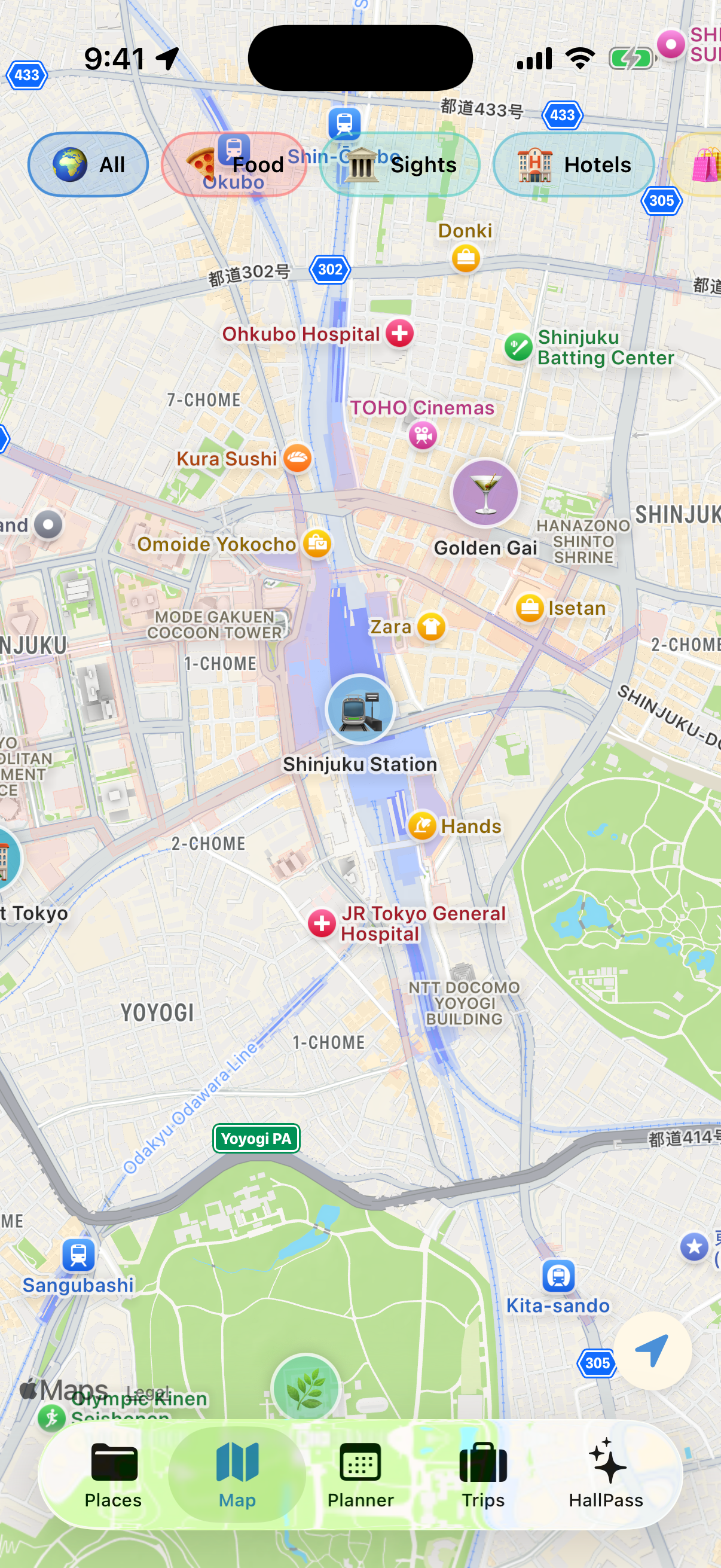
On the map
Every place you love, in one view
- Long-press anywhere to drop a pin and name it on the spot.
- Filter the map by category to cut straight to what you need.
- Tap any pin for its details, photos, or one-tap directions.
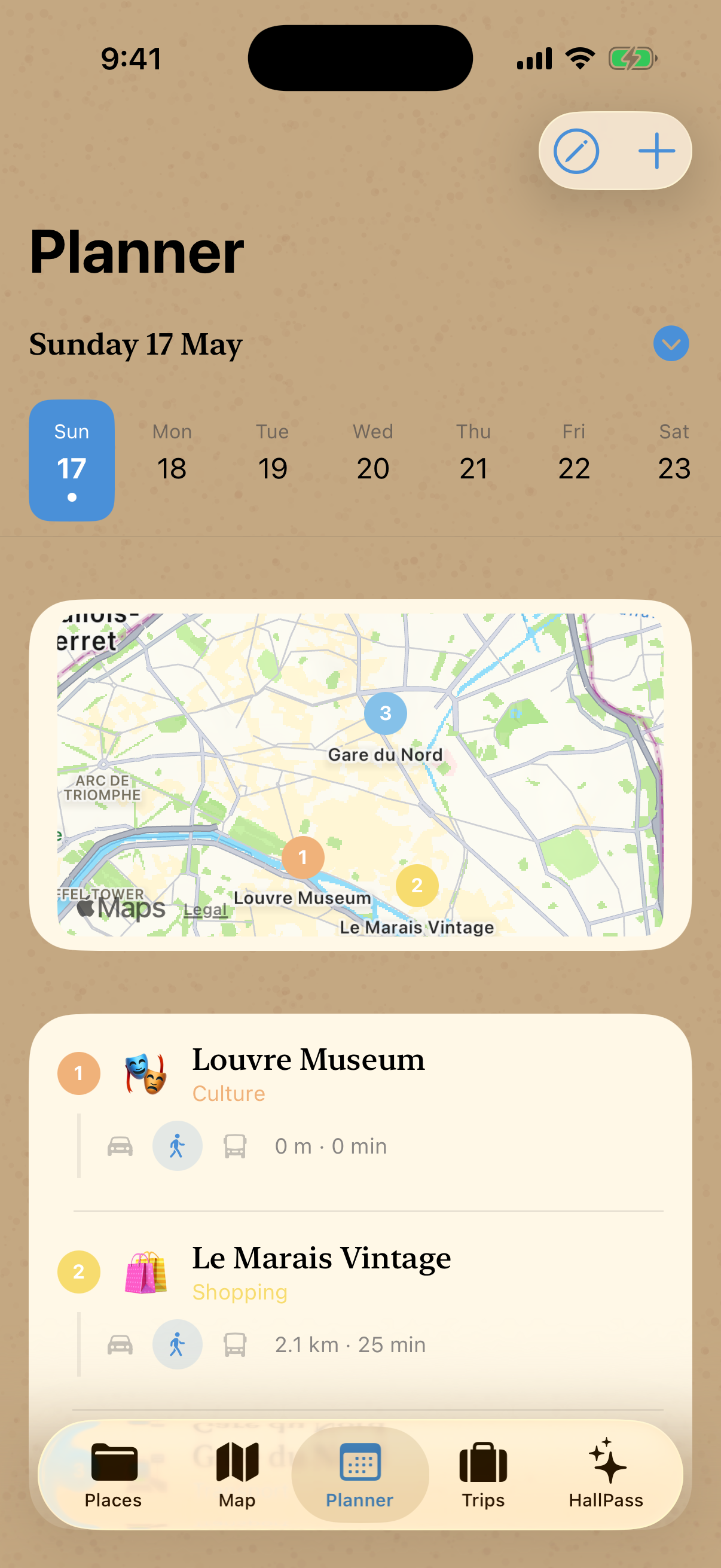
Day planner
Turn a list of places into a real plan
- Add places to any day, then drag them into the order you'll visit.
- Choose how you'll travel between each stop — walk, drive or transit.
- See distance and time for every leg, and the total for the day.
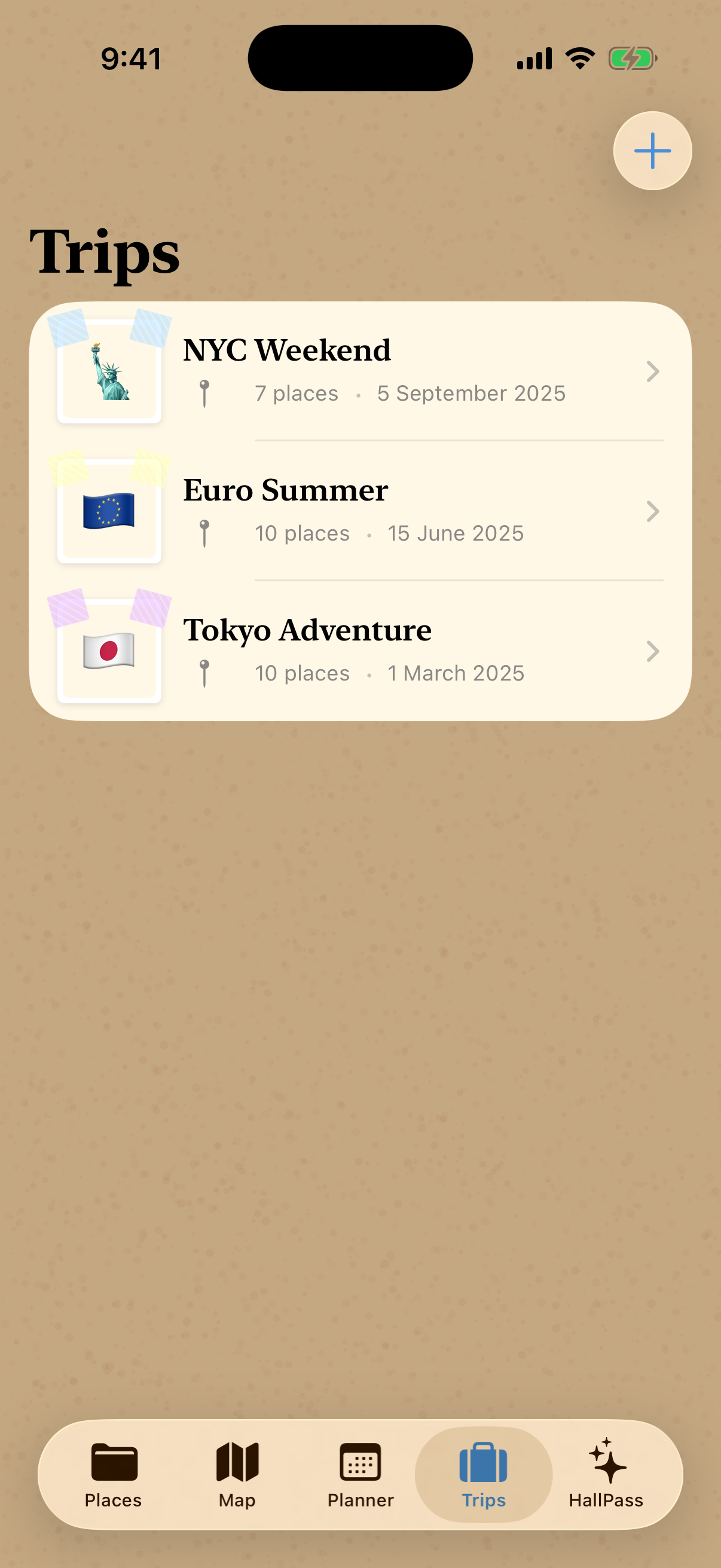
Trips & recap
Keep every trip together, then relive it
- Group places into trips with dates, a cover photo and a budget.
- Track estimated against actual spend as the trip unfolds.
- HallPass Recap turns the whole trip into a story worth keeping.
Privacy
Private by the way it's built
HallPass has no accounts and no servers. Every place, trip and photo lives only on your iPhone — we never see your data, because there is nowhere for it to go.
How it works
From a found spot to a finished plan
Three steps. No setup, no sign-up — just open the app and start pinning.
Drop a pin
Found somewhere worth remembering? Long-press the map or add it by address — it takes seconds.
Sort it out
File places into colourful categories and group them into the trips you're dreaming up.
Plan and go
Build a day-by-day itinerary, then set off with every place and plan in your pocket.
FAQ
Questions, answered
Yes — completely free. There are no in-app purchases and no subscriptions.

Your next trip starts here
HallPass is coming soon to the App Store. Save the places you love and start building your travel story.
Free · No account · iOS 18 or later